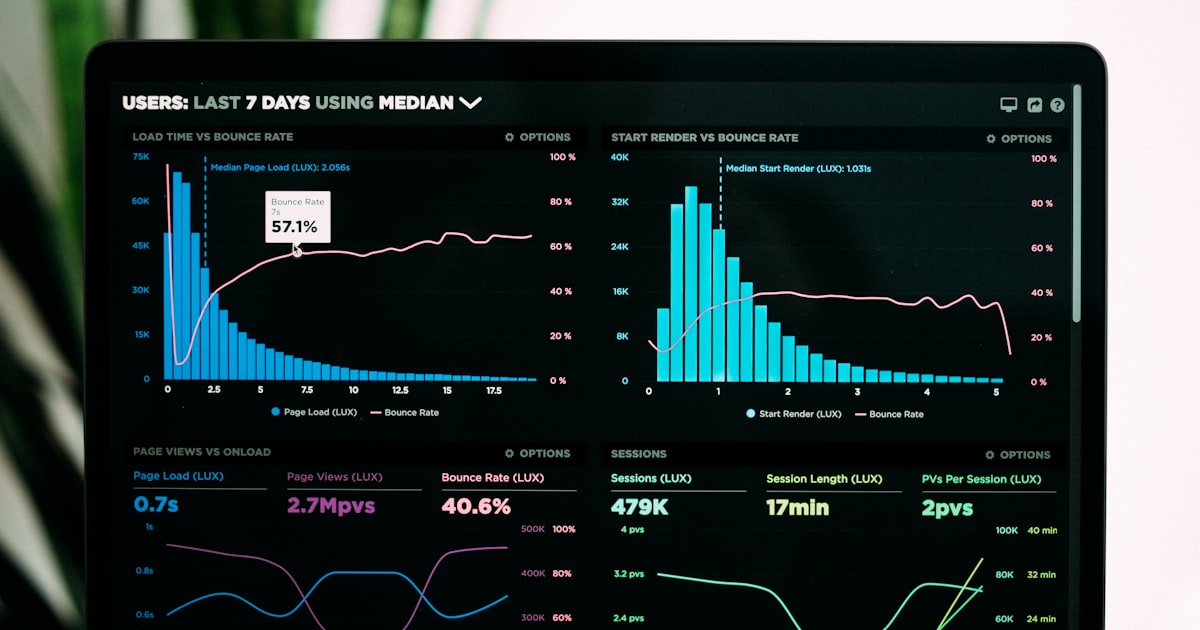
If you own a small business in Malaysia and have a website, you're probably wondering: who is visiting my site? Where are they coming from? What pages are they looking at? Without answers to these questions, you're essentially running your business blindfolded.
Google Analytics gives you X-ray vision into your website traffic — and the best part? It's completely free. For Malaysian SMEs operating on tight budgets, this tool is a goldmine of actionable data that can help you make smarter marketing decisions without spending a single sen on software.
Why Google Analytics Matters for Malaysian SMEs
Malaysia's digital economy is booming. According to recent reports, over 89% of Malaysians are internet users, and e-commerce continues to grow year after year. Whether you run a bakery in Penang, a fashion boutique in KL, or a tech startup in Johor, understanding your website traffic is no longer optional — it's essential.
Google Analytics helps you answer crucial questions like:
- How many people visit my site daily? — Baseline traffic measurement
- Where do my visitors come from? — Organic search, social media, direct, or referrals
- Which pages are most popular? — Identify your best content
- How long do visitors stay? — Engagement and bounce rate insights
- What devices do they use? — Mobile vs desktop optimization
- Where are they located? — Understand your geographical reach
Setting Up Google Analytics: A Step-by-Step Guide
Getting started is simpler than you think. Here's how to set up Google Analytics for your Malaysian SME website in under 30 minutes.
Step 1: Create Your Google Analytics Account
Go to analytics.google.com and sign in with your Google account (use your business Gmail if you have one). Click "Start measuring" and fill in your account name — this can be your business name. Under property setup, enter your website name, URL, industry category, and reporting time zone. For Malaysian businesses, set your time zone to Kuala Lumpur (GMT+8:00).
Step 2: Add Your Tracking Code
Once your property is created, you'll receive a tracking ID and a JavaScript snippet. This code needs to be added to every page of your website. If you're using WordPress (very common among Malaysian SMEs), you can use plugins like "Site Kit by Google" or "MonsterInsights" to add the code without touching any files. For Shopify, Squarespace, or other platforms, check the settings menu — most have a built-in field for analytics tracking codes.
Step 3: Configure Your Goals
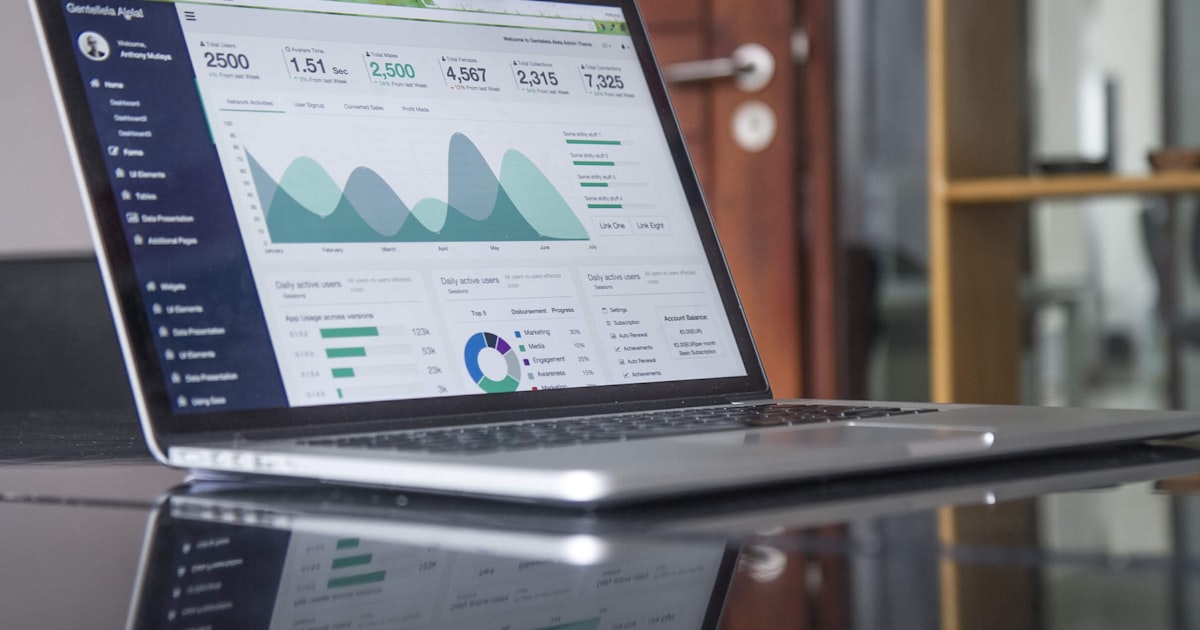
Goals are the heart of meaningful analytics. Without them, you're just counting numbers. Think about what actions you want visitors to take on your site:
- Purchase completed — For e-commerce stores
- Contact form submitted — For service-based businesses
- Newsletter signup — For content-driven sites
- Time spent on site — For engagement tracking
Set up these goals in the Admin panel under "Goals." This transforms raw data into meaningful business insights.
Key Metrics Every SME Owner Should Track
Don't get overwhelmed by the sheer volume of data. Focus on these five metrics that matter most for small businesses:
1. Sessions (Visits) — The total number of visits to your site. A session starts when someone lands on your site and ends after 30 minutes of inactivity. This is your baseline metric.
2. Bounce Rate — The percentage of visitors who leave after viewing only one page. A high bounce rate (above 70%) suggests your content isn't engaging enough, your page loads too slowly, or visitors aren't finding what they expected.
3. Average Session Duration — How long people stay on your site. For content-heavy sites, longer is better. For a contact page that gives you a phone number in 10 seconds, shorter can actually be a good sign.
4. Traffic Sources — Where your visitors come from: Organic Search (Google), Direct (typing your URL), Social Media, Referral (links from other sites), or Email. This tells you which marketing channels are working.
5. Goal Conversion Rate — The percentage of sessions that completed a goal you set. This is the most important metric because it directly ties to your business objectives.

Practical Tips for Malaysian SME Owners
Understand Your Audience's Language
Google Analytics can show you the language settings of your visitors. If you serve a multilingual market in Malaysia, this data helps you decide whether to invest in Malay, Chinese, or Tamil content for your site. Don't guess — let the data guide your content strategy.
Track Your Best-Performing Products or Services
In GA4 (the latest version), go to Reports > Engagement > Pages and Screens. Sort by "Views" or "User engagement" to see which products or blog posts attract the most attention. Double down on what's working and fix or remove what isn't.
Mobile Optimization is Non-Negotiable
Malaysia has one of the highest smartphone penetration rates in Southeast Asia. Check the "Tech" report in GA4 to see what percentage of your traffic comes from mobile devices. If it's over 60% (and it probably is), make sure your site is fully responsive and loads quickly on mobile networks.

Use Annotations to Track Campaigns
When you run a Hari Raya promotion, a Chinese New Year sale, or a Merdeka campaign, add an annotation in Google Analytics. This creates a timestamped note so you can look back and see exactly how each campaign performed. To add an annotation: in GA4, click the date range picker, then "Create annotation." Simple but powerful.
Common Mistakes to Avoid
❌ Not filtering out your own traffic. When you visit your own website, it counts as a session. Use IP filtering or create a "test" view (now called "data filters" in GA4) to exclude internal traffic so your numbers reflect real customers.
❌ Looking at vanity metrics. Total page views look nice in reports but don't pay the bills. Focus on conversion-related metrics — the actions that actually generate revenue for your SME.
❌ Setting and forgetting. Google Analytics isn't a "set up once and done" tool. Check your analytics at least once a week. Set aside 15 minutes every Monday morning to review the previous week's data.
Conclusion
Google Analytics isn't just for big corporations with dedicated data teams. It's a powerful, free tool that every Malaysian SME owner should have installed on their website. The insights you gain will help you make smarter marketing decisions, understand your customers better, and ultimately grow your business.
Start with the basics: set up your account, add the tracking code, configure a few goals, and check your dashboard weekly. As you grow more comfortable, explore deeper reports like user demographics, acquisition channels, and e-commerce tracking. The data is there waiting for you — all you need to do is start looking.
Your SME doesn't need a massive advertising budget to compete. Sometimes, the smartest competitive advantage is simply knowing what your customers are doing — and Google Analytics gives you exactly that.
This article was written by the SMEBuddies editorial team. We help Malaysian small business owners navigate the digital landscape with practical, actionable advice. Subscribe to our newsletter for weekly tips straight to your inbox.
Frequently Asked Questions
1. What is the first step to get started?
The first step is to assess your current situation and identify your specific needs. Research available options, compare at least three providers or solutions, and start with a small pilot before scaling up.
2. How much should I budget for this?
Costs vary widely depending on your business size and requirements. Start with a minimal viable approach and scale up as you see results. Most solutions offer free trials or basic tiers to test before committing.
3. Where can I learn more?
SMEBuddies offers a range of articles covering this topic in more detail. Subscribe to our newsletter for practical weekly insights delivered to your inbox.
Google Analytics for Beginners: Track Your SME Website Performance