Introduction: It's Not If, But When
In 2025, the National Cyber Security Agency (NACSA) reported a 34% increase in ransomware attacks targeting Malaysian SMEs. Meanwhile, the more mundane threat — hard drive failure — affects roughly 5% of computers annually. Whether it's a sophisticated cyberattack or a simple equipment malfunction, the outcome is the same: data loss. And data loss for an SME can be catastrophic. Studies show that 40% of businesses that experience a major data loss never reopen. Yet most SMEs in Malaysia still rely on a single external hard drive or, worse, no backup at all. The fix is simpler and cheaper than you think.
1. The 3-2-1 Rule: The Gold Standard of Backup
The 3-2-1 backup rule is a time-tested principle that every business should follow: three copies of your data (one primary, two backups), stored on two different media types (e.g., internal drive plus cloud), with one copy kept off-site.
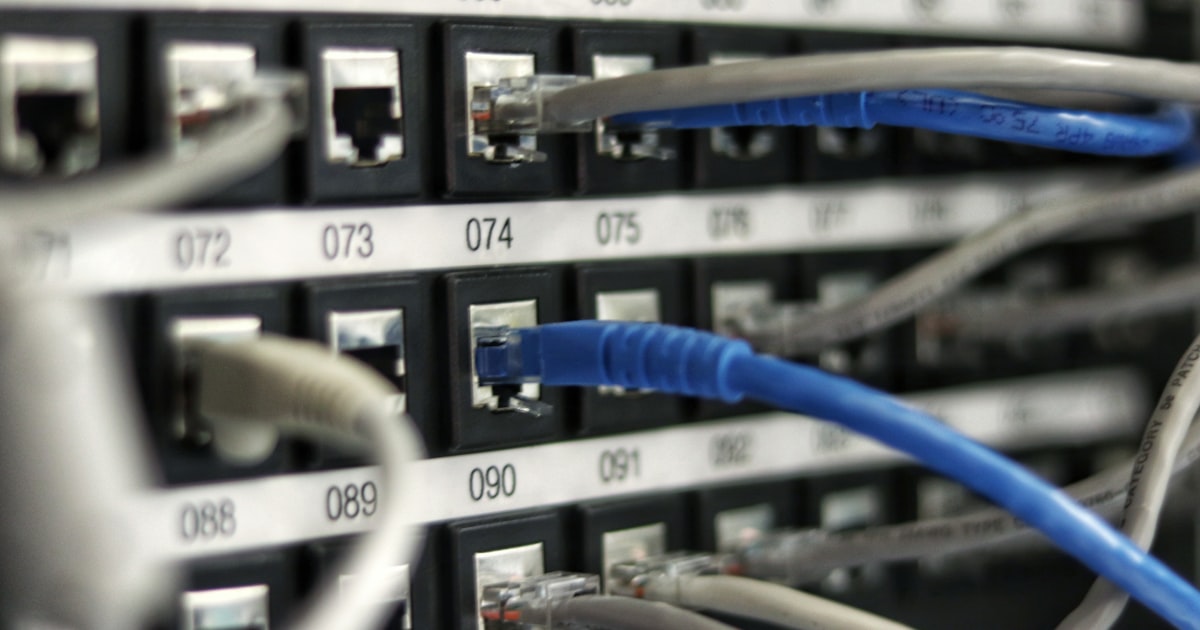
Here's what this looks like for a typical SME:
- Copy 1 (Primary): Your working data on the office server or local computers.
- Copy 2 (Local backup): A dedicated external hard drive or NAS (Network Attached Storage) that backs up automatically every night. A basic 2TB external drive costs RM200 to RM400.
- Copy 3 (Off-site backup): Cloud backup to services like Google Drive, OneDrive, or dedicated backup services like Backblaze, Acronis, or Azure Backup. Expect to pay RM30 to RM100 monthly for SME-grade cloud backup.
The critical point is automation. Manual backups — "I'll copy the files on Friday" — fail 100% of the time eventually. Use software that backs up on a schedule. Both Windows (File History) and macOS (Time Machine) have built-in automated backup tools. For a few hundred ringgit, you can set a system that runs without any human intervention.
2. What to Back Up: Prioritise Your Data
Not all data is equally important. A tiered approach helps you allocate storage efficiently:
| Tier | Data Type | Backup Frequency |
|---|---|---|
| Tier 1 (Critical) | Customer records, financial data, contracts, intellectual property | Daily (automatic) |
| Tier 2 (Important) | Project files, emails, product specs, marketing materials | Weekly |
| Tier 3 (Archival) | Old projects, historical data, reference materials | Monthly |
If you use cloud-based tools like Google Workspace, Microsoft 365, or Xero, those platforms already maintain their own backups. However, you need your own backup copy — don't rely solely on a cloud provider's redundancy. If your account is compromised or accidentally deleted, the provider's backup might not restore your specific data.
3. Disaster Recovery: Beyond the Backup
A backup is just files on a disk. A disaster recovery plan is the process of getting back to business. The difference is crucial — having backups means nothing if you don't know how to restore them or if restoration takes three weeks.

Your SME disaster recovery plan should answer four questions:
- Who is responsible? Assign one person — even if it's yourself — to lead the recovery effort. Have a backup person for when that person is away.
- What is the Recovery Time Objective (RTO)? How quickly do you need to be operational? 4 hours? 24 hours? A week? This determines your solution's cost.
- What is the Recovery Point Objective (RPO)? How much data can you afford to lose? If RPO is 24 hours, a daily backup is sufficient. If your business needs real-time data, you need continuous backup.
- Where do you operate from? If your office is inaccessible (flood, fire, building issue), can your team work from home? Do you have laptops ready? Are your critical applications accessible via web?
Document the plan in a single page and review it every six months. Test a restore at least once a quarter — back up files that can't be restored are worthless, and you only discover this when it's too late.
Conclusion
Data backup and disaster recovery is not an IT project — it's a business continuity essential. You don't need a complex enterprise solution or a dedicated server room. The 3-2-1 rule, automated backups, and a simple one-page recovery plan cover the vast majority of scenarios your SME will face. The cost is minimal compared to the cost of losing everything. Set it up this week, test it once a quarter, and sleep better knowing your business is protected. As the saying goes: there are two kinds of businesses — those that back up, and those that wish they had.
Frequently Asked Questions
Most reputable cloud backup services maintain version history, allowing you to restore files from before they were encrypted. However, if your cloud sync client is actively syncing, it may sync encrypted files and overwrite clean versions. Use a backup service with versioning and air-gapped or immutable storage for best protection.
For most small businesses with 5-20 employees, 500GB to 2TB is sufficient for critical data backup. If you work with large files — design, video, high-res images — budget for 2TB to 5TB. Start with a 2TB drive and a 1TB cloud plan; upgrade as needed.
Backup is the copy of your data. Disaster recovery is the complete process of restoring operations — including restoring data, setting up hardware, reconnecting to services, and communicating with stakeholders. You can have perfect backups but still fail at recovery if you don't have a plan.
Yes. Cloud accounting tools like Xero or SQL Accounting Online have their own backups, but export your data periodically — at least monthly — to a local or cloud file you control. If your account is locked, suspended, or the provider suffers an outage, having your own copy ensures you can still run your business.
This article was written by Ahmad Firdaus, a contributor to SMEBuddies. Ahmad covers cybersecurity and data protection topics for Malaysian SMEs.
Data Backup and Disaster Recovery: A Simple Plan for Every SME